

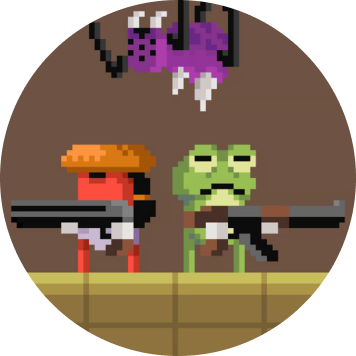

Temple of Boom
 Action
Computer, phone, tablet
A shooting platformer in temple arenas, alone, one-on-one or side by side with a friend.
 ryvelgriskstorm
 You are in: Home

Handbook edition · pages checked 17 Sep 2026
ryvelgriskstorm.com is an independent handbook to free browser games on Poki. Each game gets a sewn patch and a page of plain notes: what it is, the controls, first tips and who it suits.
Open the handbook contents How a page is written
 Nothing to download here. Games open on Poki.com.
Six games, each with its own page. The border thread tells you the genre.
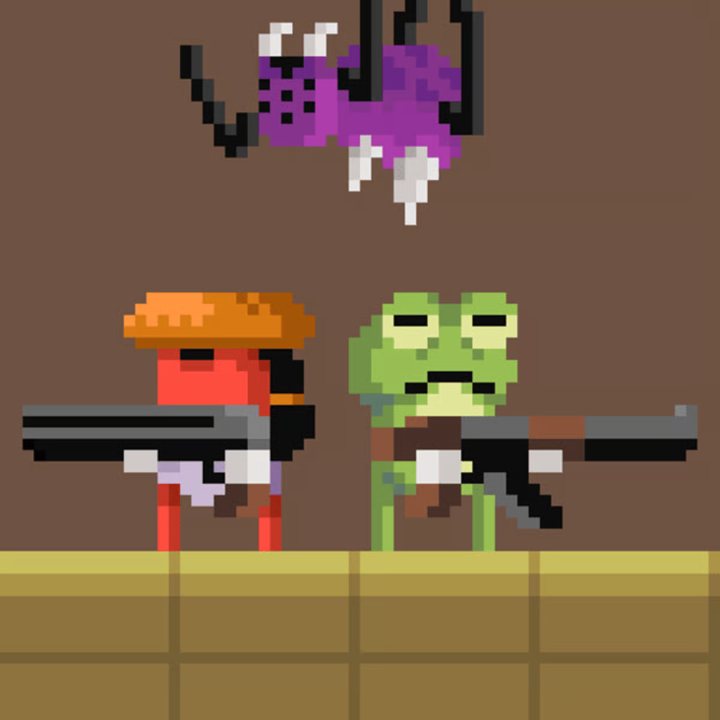
Temple of Boom
Action
Computer, phone, tablet
A shooting platformer in temple arenas, alone, one-on-one or side by side with a friend.

Blast Buddies
Action
Computer, phone, tablet
An online team shooter with loadouts, destructible maps and matches you can join with friends.


Slime Laboratory
 Arcade
Computer, phone, tablet
Steer a stretchy green slime out of a dangerous lab, one spiked room at a time.


Vortella’s Dress Up
 Casual
Computer, phone, tablet
A multiplayer dress-up game: build a look from clothes, hair, make-up and accessories, then take it to fashion battles.


Funny Kitty Care
 Simulation
Computer, phone, tablet
Clean up a stray kitten, treat its scrapes, feed it and pick an outfit.


Build League
 Racing
Computer, phone, tablet
Build a plane, car or train from parts, send it down an obstacle course and upgrade it to go further.
Every patch carries the game’s own cover from Poki, framed in its genre thread.





The handbook is written by the ryvelgriskstorm.com editorial team. We are not part of Poki or of any game studio, nobody pays for a page, and the links to Poki carry no tracking codes.
The main keys and taps of all six games, side by side. Details sit on each game’s page.
| Game | Move | Main action | Also useful |
|---|---|---|---|


 Temple of Boom |
Arrow keys | Z shoot, up to jump | X switch weapon, down to pick up |
 Blast Buddies |
WASD or arrows | Mouse aim and click | R reload, C slide, Shift ability |

 Slime Laboratory |
Left / right arrows | Up arrow jump | Down arrow drops through |

 Funny Kitty Care |
None | Click or tap an item | Drag it onto the kitten |

 Vortella’s Dress Up |
Mouse drag or WASD | Click an outfit | Works by touch on phones |

 Build League |
WASD or arrows | F starts a run | T shop, Q quests, mouse camera |

We open the game on Poki and note what it states: genre, developer, devices, controls and dates.

We play the opening sessions ourselves and write down what surprised us and what a newcomer is likely to miss.

Same order every time: the game in brief, what happens on screen, keys, advice, who it suits and what to weigh.

When a game changes on Poki we replay it and edit the page. The date moves only when the text does.
A wrong key, an outdated description or a privacy question: write to us and we reply by email.
Address: Narva mnt 5, 10117 Tallinn, Estonia
Phone: +372 602 4417
Email: support@ryvelgriskstorm.com
Yes. All six games are free to play on Poki.com. This site does not sell anything.
No. Every patch links out to the game’s own page on Poki.com, where it runs in the browser.
Nothing to download here, and no account on this site. The games open straight in the browser on Poki.
All six run on a computer, a phone and a tablet. Each page lists the devices the game states, and the controls for each.
The links to Poki carry no tracking codes. What the site does store is set out in the privacy policy and the cookie policy.
Write to the editors. Tell us the page and the line, and we replay the game before we edit it.
Nothing to download here. Games open on Poki.com.